
Table of Contents
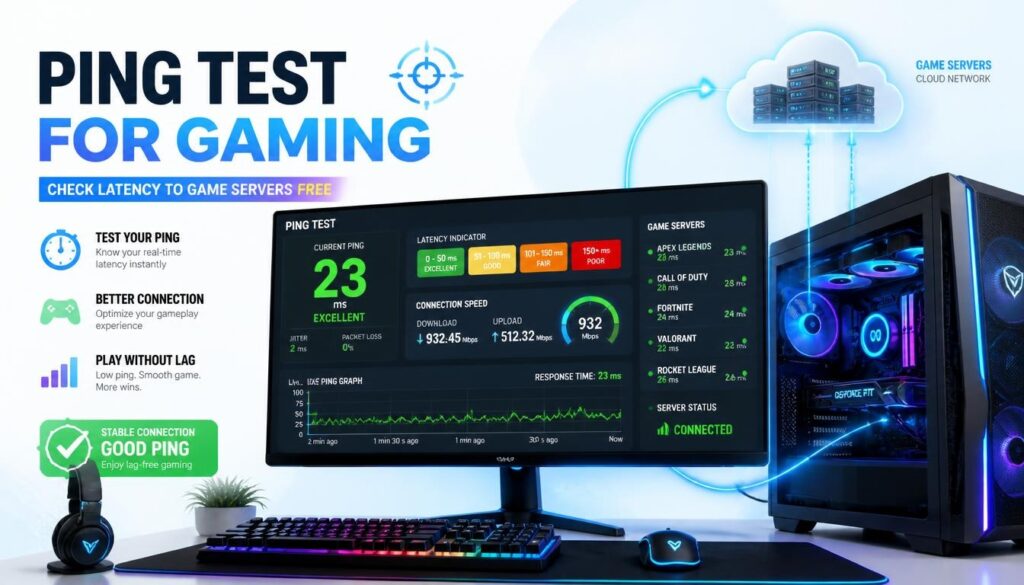
Ping Test for Gaming — Check Your Latency to Game Servers Free
| Quick answer: Test your gaming ping at techtester.online/latency-test/ in Chrome or Edge. The test measures latency to Cloudflare, Google, and AWS servers in Singapore, US East, EU West, and South Asia. Compare results to find the lowest ping server region for your games. |
Ping or network latency is the round trip time from your device to a game server measured in milliseconds. In competitive gaming it determines how quickly your actions register on the server and how accurately you see other players’s positions. A 50ms ping advantage over your opponent means you see their position 50ms before they see yours.
What is a good ping for gaming?
- Under 20ms: excellent — competitive grade for FPS, fighting games, and racing
- 20-50ms: good — comfortable for all online gaming genres
- 50-100ms: acceptable — noticeable in fast FPS games but fine for strategy and RPG
- 100-150ms: high — visible lag in fast games, hit registration issues in FPS
- Above 150ms: very high — significant gameplay impact, rubber-banding in movement
How to test gaming ping online
- Open techtester.online/latency-test/ in Chrome or Edge
- Click Run Ping Test
- The test measures latency to multiple server locations simultaneously
- Results show ping to each region in milliseconds
- Your lowest ping region is your optimal server location for gaming
Which ping result to use for your game
- CS2 / Valorant: use the server region with lowest ping — EU West for Europe, Singapore for South/Southeast Asia, US East for Americas
- Call of Duty: select the matching region in-game. Ping results from TechTester directly map to COD server regions
- FIFA / EA Sports: European servers for EU players, US servers for Americas
- PUBG: Singapore server is the optimal choice for South Asian players (India, Pakistan, Bangladesh)
- Fortnite: Epic uses AWS infrastructure — your AWS ping results from TechTester directly indicate Fortnite latency
How to reduce gaming ping
- Switch from WiFi to Ethernet: WiFi adds 10-30ms of latency plus jitter. A wired connection eliminates this.
- Select the closest server region in game: even 50ms savings from choosing the right region dramatically improves gameplay
- Close background applications: downloads, streaming, and cloud backups consume bandwidth and add ping spikes
- Disable VPN: VPN routes traffic through additional servers adding 20 to 80ms. Turn off during gaming.
- Restart router: routers accumulate routing table overhead over time. Weekly restarts maintain optimal routing.
Q: What is a good ping for gaming?
Under 20ms is excellent for competitive gaming. Under 50ms is good for all gaming. Above 100ms causes noticeable lag in fast-paced games. Test your exact ping to game server regions at techtester.online/latency-test/ to find your optimal server location.