
Table of Contents
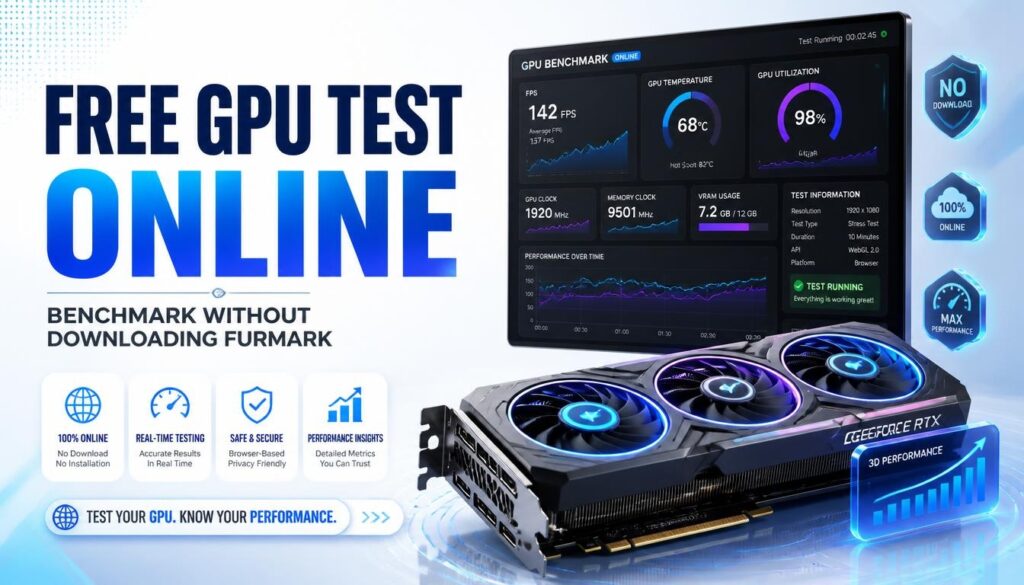
Free GPU Test Online — Benchmark Your Graphics Card Without Downloading FurMark
| Quick answer: Run a free GPU test at techtester.online/gpu-tester/ in Chrome or Edge. No FurMark, 3DMark, or any download required. Your GPU name detects automatically, the benchmark measures real-time FPS, and produces a 0 to 10,000 score with tier rating in under 2 minutes. |
Why test your GPU online?
Traditional GPU benchmark tools require downloading and installing software FurMark is 30MB, 3DMark is several gigabytes. A browser GPU test runs the same WebGL graphics API used by 3D browser games and gives you a reliable performance score in 2 minutes without any installation.
Browser GPU tests are ideal for: quick performance checks after driver updates, testing a PC before buying it, verifying a GPU is working after a repair, and detecting thermal throttling. For competitive benchmarking to compare against published hardware reviews, use 3DMark Time Spy (free demo available).
How to run the free GPU test online
- Open techtester.online/gpu-tester/ in Chrome or Edge
- Your GPU name and manufacturer appear automatically
- Click Run Benchmark test takes 60 to 90 seconds
- Your score from 0 to 10,000 appears with tier label
- Click Switch to Stress Test to detect thermal throttling
GPU score tiers what your result means
- 0 to 1,000: Entry level — integrated GPU or older discrete GPU
- 1,000 to 3,000: Basic — light gaming at low settings
- 3,000 to 5,000: Mid range — 1080p gaming at high settings
- 5,000 to 7,000: High end — 1440p gaming capable
- 7,000 to 9,000: Enthusiast — 4K gaming and professional workloads
- 9,000+: Flagship — latest generation top tier GPUs
Testing dedicated GPU vs integrated GPU
Laptops with both integrated graphics (Intel UHD or AMD Radeon integrated) and a dedicated GPU (NVIDIA or AMD discrete) sometimes run browser tests on the integrated GPU. Check which GPU name appears in the TechTester results. If it shows Intel UHD or AMD Radeon Graphics instead of your NVIDIA or AMD card, set Chrome to use the dedicated GPU: right click the Chrome icon then Run with graphics processor then High performance NVIDIA or AMD processor.
Q: How do I test my GPU without downloading software?
Open techtester.online/gpu-tester/ in Chrome or Edge. Click Run Benchmark. GPU detects automatically and produces a 0 to 10,000 score in under 2 minutes. No FurMark, 3DMark, or any other software needed.