
Table of Contents
How to Check Your Gamepad Online — Free Controller Checker in Browser
| Quick answer: Check your gamepad at techtester.online/gamepad-checker/ in Chrome or Edge. Connect via USB or Bluetooth, press any button, and every input all buttons, triggers, and thumbsticks shows in real time. Works for PS5, Xbox, Nintendo Switch, and any USB or Bluetooth gamepad. Free, no download. |
Checking a gamepad online takes under 30 seconds. Connect your controller, open the checker, press one button to activate detection, and you immediately see which inputs are registering correctly and which are not.
How to check your gamepad in 3 steps
- Connect your controller to your PC via USB cable or Bluetooth
- Open techtester.online/gamepad-checker/ in Chrome or Edge
- Press any button the Gamepad API activates on first input and shows all controller inputs in real time
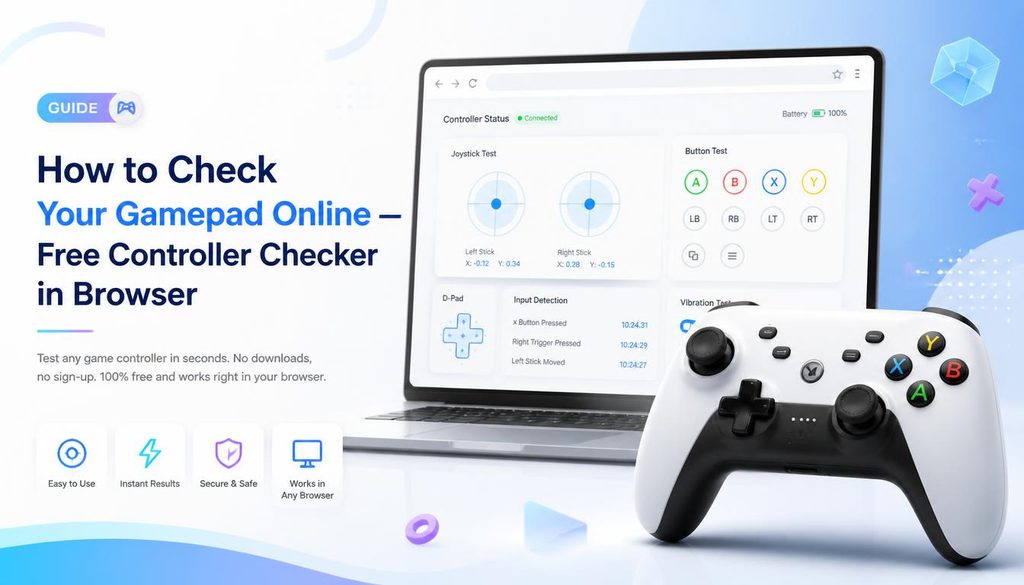
What the gamepad checker shows
- All buttons — each button highlights when pressed, confirming correct registration
- Analog triggers — L2 and R2 (PS5) or LT and RT (Xbox) show values from 0.00 to 1.00
- Thumbstick positions — X and Y axis values for both sticks, from -1.00 to 1.00
- D-pad directions — all four directions shown individually
- Controller name — confirms which controller Windows has detected
Quick check vs detailed test which to use
The gamepad checker at techtester.online/gamepad-checker/ is the quick check — confirms every input in one view. For more specific tests:
- Stick drift specifically: techtester.online/stick-drift-test/ — shows exact axis values at rest with severity thresholds (0.05 mild, 0.15 significant)
- PS5 DualSense specifically: techtester.online/ps5-controller/ — detailed PS5 specific view
- Xbox specifically: techtester.online/xbox-controller/ — Xbox specific layout and connection guide
- Vibration test: techtester.online/controller-vibration-test/ — tests rumble motors separately
Gamepad not detected quick fix
- Press any button: the Gamepad API does not auto detect one button press is required to activate
- Use USB instead of Bluetooth: some controllers are more reliably detected via USB
- Try Chrome or Edge: Firefox has partial Gamepad API support, Safari has very limited support
- Close Steam: Steam Big Picture mode intercepts controller input at system level close Steam completely and retest
Q: How do I check if my controller is working?
Connect via USB or Bluetooth. Open techtester.online/gamepad-checker/ in Chrome. Press any button. All inputs show in real time buttons highlight, triggers show 0.00 to 1.00 values, thumbstick axes display. Any input that does not respond has a fault.