
Table of Contents
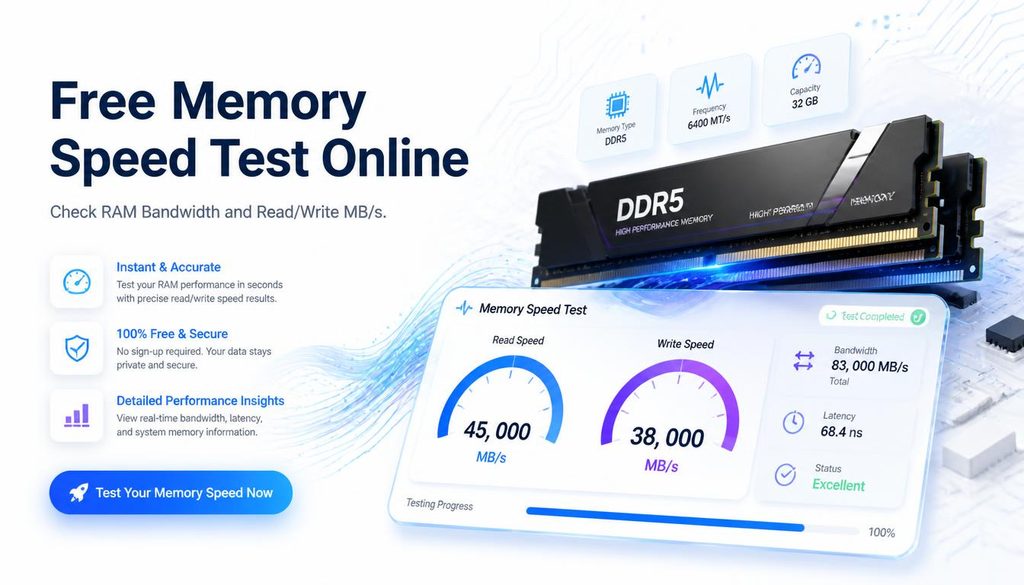
Free Memory Speed Test Online — Check RAM Bandwidth and Read/Write MB/s
| Quick answer: Test your RAM memory speed at techtester.online/ram-tester/ in Chrome or Edge. See read speed, write speed, and bandwidth in MB/s. DDR4 200 should show 12,000 to 18,000 MB/s significantly lower means XMP is not enabled in BIOS. Free, results in 30 seconds. |
What does a memory speed test measure?
A memory speed test measures how fast your RAM transfers data specifically sequential read speed, sequential write speed, random access speed, and overall memory bandwidth in megabytes per second (MB/s). These numbers directly affect application loading times, game texture streaming, multitasking performance, and content creation software speed.
Expected memory speeds by RAM type
- DDR5-6000: 40,000 to 60,000 MB/s sequential read — top tier desktop performance
- DDR5-5600: 35,000 to 50,000 MB/s sequential read
- DDR5-4800: 28,000 to 38,000 MB/s sequential read — base DDR5 speed
- DDR4-3600: 15,000 to 22,000 MB/s sequential read
- DDR4-3200: 12,000 to 18,000 MB/s sequential read — most common gaming RAM
- DDR4-2666: 9,000 to 13,000 MB/s sequential read
- DDR4-2133: 6,000 to 9,000 MB/s sequential read — base JEDEC speed, XMP not enabled
- Apple M3 unified memory: 100,000+ MB/s — unified architecture, not directly comparable
Note: browser memory speed tests show 15 to 25% lower values than native tools like AIDA64 due to JavaScript overhead. The relative comparison between configurations is accurate even if absolute numbers are slightly lower.
Why RAM might run slower than its rated speed
XMP or EXPO not enabled most common cause
RAM is sold at its maximum rated speed (e.g. DDR4 3200) but ships configured to run at base JEDEC speed (DDR4-2133) until XMP (Intel systems) or EXPO (AMD Ryzen systems) is enabled in BIOS. Many users never enable XMP and run their RAM at half its rated bandwidth without knowing.
Single channel instead of dual channel
Running one RAM stick instead of two, or two sticks in the wrong slots, results in single channel operation. Dual channel roughly doubles memory bandwidth. Check your motherboard manual for the correct slot configuration typically slots 2 and 4 on most motherboards.
Degraded or failing RAM
RAM that is beginning to fail may show lower speeds, inconsistent results between test runs, or crashes during the speed test. Run Windows Memory Diagnostic or MemTest86 if you suspect hardware issues.
How to increase memory speed
- Run the memory speed test at techtester.online/ram-tester/ to establish your baseline
- Restart PC and enter BIOS (Del or F2 at startup)
- Find Memory or OC settings
- Enable XMP Profile 1 (Intel) or EXPO (AMD) select the profile matching your RAM’s rated speed
- Save with F10 and restart
- Run the memory speed test again speeds should increase 30 to 80%
Q: How do I test my RAM memory speed online?
Open techtester.online/ram-tester/ in Chrome or Edge. Click Run Speed Test. Your read speed, write speed, and bandwidth in MB/s appear in under 30 seconds. Compare against the expected ranges for your RAM type to see if XMP is enabled.
| Test your memory speed right now: techtester.online/ram-tester/ no download, results in 30 seconds |