
Table of Contents
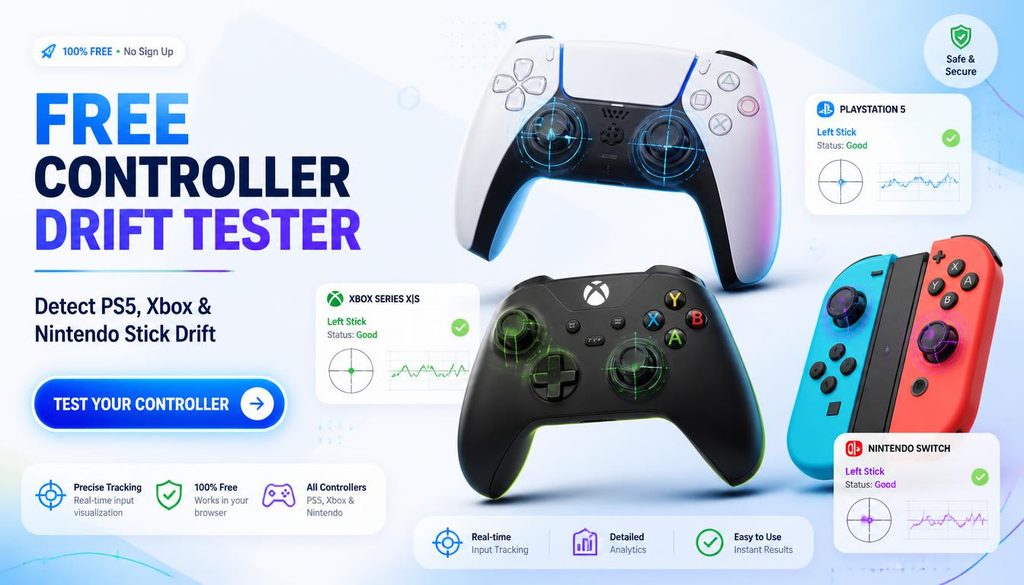
Free Controller Drift Tester — Detect PS5, Xbox, and Nintendo Stick Drift
| Quick answer: Test for controller drift at techtester.online/stick-drift-test/ in Chrome or Edge. Connect via USB, press any button, then release both thumbsticks completely. Any axis value consistently above 0.05 at rest confirms drift. Free, no download. |
Controller stick drift where a thumbstick registers movement without being touched is one of the most common controller hardware failures. The TechTester drift tester shows the raw axis values from your thumbstick in real time so you can see exactly how much drift is present and how severe it is.
How the controller drift tester works
The drift tester reads raw thumbstick data from the Web Gamepad API the same data your games receive. At rest, both thumbstick axes should read near 0.00 (centre position). If the values drift away from 0.00 without you touching the stick, that is stick drift. The amount tells you the severity.
- 0.00 to 0.03: Normal — tiny natural variation, not drift
- 0.03 to 0.08: Mild drift — may not cause visible movement in games
- 0.08 to 0.15: Moderate drift — will cause camera drift in games
- Above 0.15: Significant drift — severe enough to affect all games
How to test for controller drift — step by step
- Connect your controller via USB cable to your PC
- Open techtester.online/stick-drift-test/ in Chrome or Edge
- Press any button once to activate Gamepad API detection
- Remove both hands from the controller completely
- Place the controller on a flat surface do not touch either thumbstick
- Watch the axis values for 10 to 15 seconds
- Any axis consistently reading above 0.05 confirms drift on that stick
Free repair programmes for drift
- PS5 DualSense: Sony offers free drift repairs within the 12-month warranty at support.playstation.com. UK and EU consumer law extends this right to 6 years and 2 years respectively.
- Nintendo Joy Con: Nintendo has a free Joy Con drift repair programme at support.nintendo.com. Available in US, UK, Australia, and most of Europe.
- Xbox: Microsoft covers controller drift under the standard 90 day warranty. Xbox Elite Series 2 controllers have an extended 1 year warranty.
How to fix controller drift without replacement
- Clean with 90%+ isopropyl alcohol on a cotton swab around the full circumference of the thumbstick base
- Rotate the stick slowly while applying work the alcohol into the potentiometer mechanism
- Allow 15 minutes to dry completely
- Retest at techtester.online/stick-drift-test/ mild drift often resolves after cleaning
How do I know if my controller has stick drift?
Connect via USB and open techtester.online/stick-drift-test/ in Chrome. Press any button. Release both sticks completely. If any axis reads above 0.05 consistently, drift is confirmed. Above 0.15 is severe drift.
| Test for controller drift right now: techtester.online/stick-drift-test/ Full controller test: techtester.online/gamepad-checker/ |