
Table of Contents
Free Xbox Controller Test Online – Check Buttons, Triggers, and Thumbsticks
Last updated: 2026 | Works with Xbox Series X/S and Xbox One controllers
| Quick answer: Test your Xbox controller at techtester.online/xbox-controller/ in Chrome or Edge. Connect via USB cable, press any button to activate, and every input all buttons, both analog triggers (0.00-1.00), and both thumbsticks displays in real time. Free, no download. |
What to test on your Xbox controller
- Face buttons: A, B, X, Y — register immediately on press with clear on/off state
- Bumpers: LB, RB — digital buttons
- Triggers: LT, RT — analog inputs from 0.00 (released) to 1.00 (fully pressed). Hair trigger mode on Elite controllers sets a shorter travel distance.
- Thumbsticks: LS, RS — axis values from -1.00 to 1.00. At rest should be near 0.00. Above 0.05 at rest confirms drift.
- D pad: all 8 directions on Xbox Elite, 4 directions on standard
- System buttons: Menu, View, Share button (Series X/S), Xbox button
How to test Xbox controller on PC
- Connect Xbox controller via USB A to USB C cable (Series X/S) or USB A to Micro USB (Xbox One)
- Cable must be a DATA cable charge only cables carry power but no input data
- Open techtester.online/xbox-controller/ in Chrome or Edge
- Press any button to activate the Gamepad API
- Test every input press all buttons, pull both triggers to 1.00, move both sticks
- Release sticks completely and confirm axis values return near 0.00
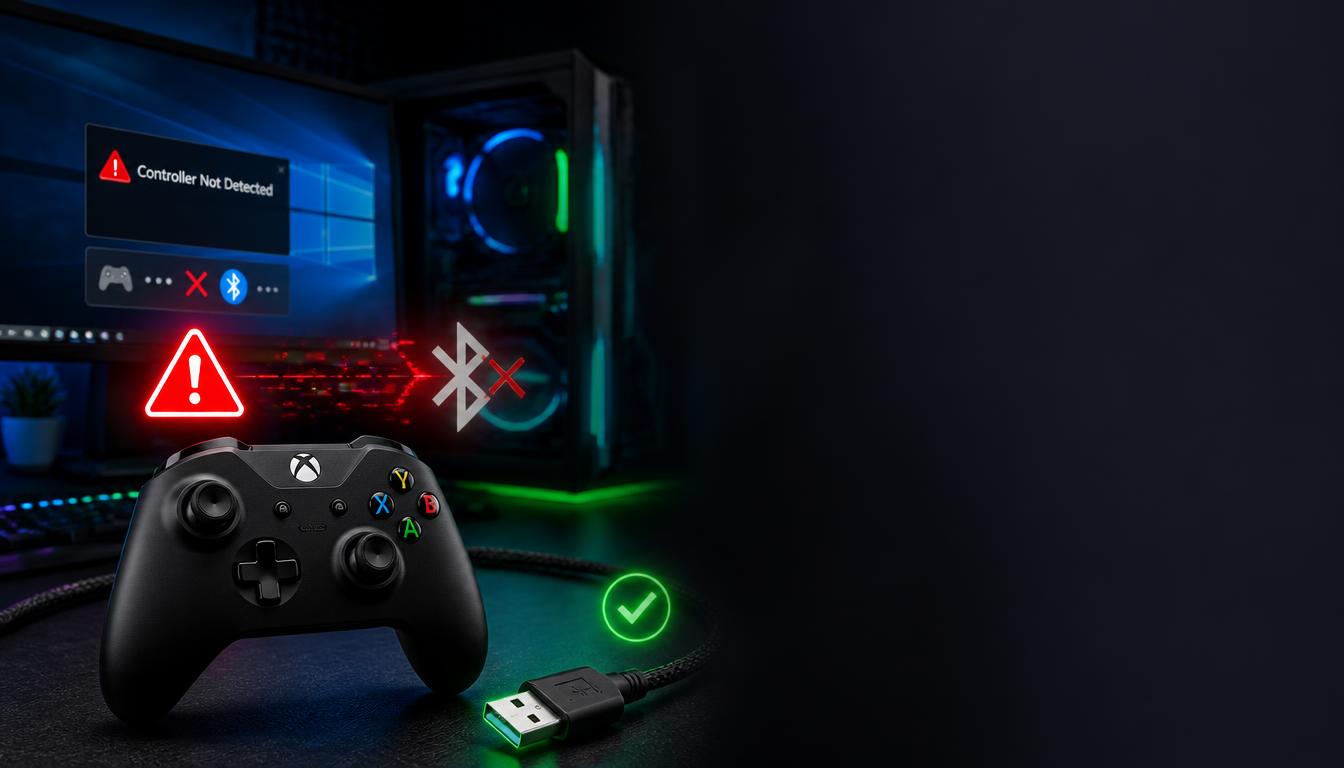
Xbox controller not connecting to PC — quick fix
If your controller does not appear in the test after connecting:
- Check the USB cable most “not connecting” issues are charge only cables that carry power (logo lights up) but no data. Try a different cable you know transfers data.
- Press a button after connecting — the Gamepad API requires one button press to activate. The controller does not auto-detect.
- Try a different USB port — directly in the PC motherboard, not through a hub
- For wireless: hold the Pair button on top of the controller until the logo flashes, then pair in Windows Bluetooth settings
For the complete 8 fix guide: techtester.online/xbox-controller-not-connecting-to-pc/
Testing a used Xbox controller
When buying a second-hand Xbox controller, check these specifically:
- Thumbstick drift: release both sticks and confirm all axis values read near 0.00 drift values above 0.15 are severe
- Trigger range: pull each trigger to confirm it reaches 1.00 worn springs stop triggers hitting maximum
- Bumper response: LB and RB break more commonly than face buttons press rapidly 10 times and confirm every press registers
- D pad accuracy: test all 4 or 8 directions diagonal inputs sometimes fail on worn D pads
Q: How do I test my Xbox controller on PC?
Connect via USB cable (must be data cable not charge only). Open techtester.online/xbox-controller/ in Chrome or Edge. Press any button. Every input shows in real time buttons, triggers (0.00 too 1.00 analog), and thumbstick axis values.
| Test your Xbox controller right now: techtester.online/xbox-controller/ For drift detection: techtester.online/stick-drift-test/ Xbox not connecting fix: techtester.online/xbox-controller-not-connecting-to-pc/ |