
Table of Contents
Free GPU Benchmark Online WebGL Stress Test Without Downloading FurMark
| Quick answer: Run a free GPU benchmark at techtester.online/gpu-tester/ in Chrome or Edge. No FurMark, 3DMark, or any software download needed. Your GPU name detects automatically, the benchmark measures real-time FPS, and produces a 0-10,000 score in under 2 minutes. |
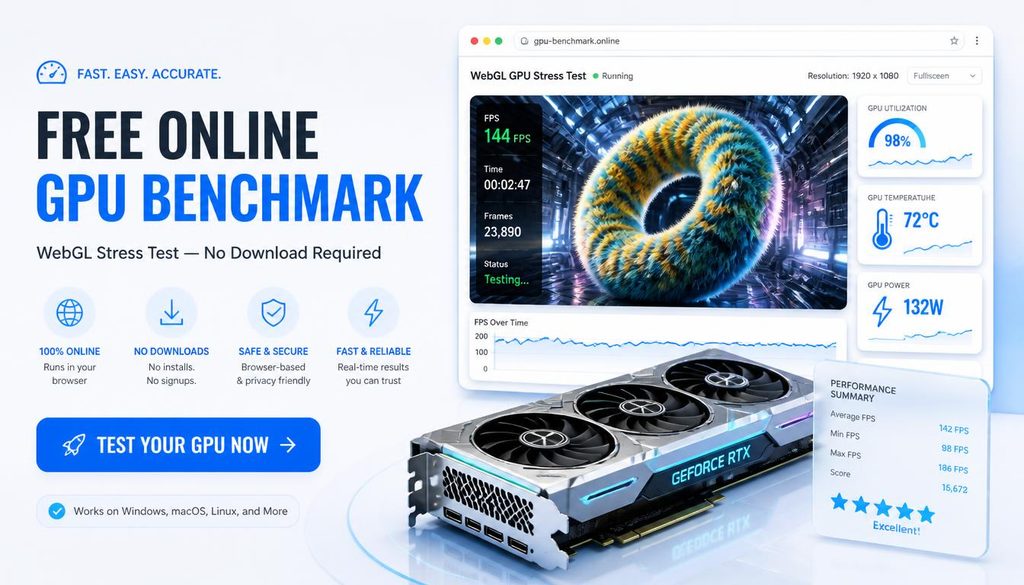
Traditional GPU benchmarks like FurMark and 3DMark require downloading and installing software. The TechTester GPU benchmark runs entirely in your browser using WebGL the same graphics API that powers 3D browser games. Open the page, click one button, and your GPU benchmark result appears in 2 minutes with no installation.
WebGL GPU benchmark vs FurMark key differences
- No download: WebGL benchmark opens instantly in Chrome, FurMark requires a 30 to 80MB installer
- Cross-platform: WebGL works on Windows, Mac, Linux, and Chromebook. FurMark is Windows only.
- Score comparison: WebGL scores are not directly comparable to FurMark scores different rendering methods. Use TechTester for quick checks and throttling detection, 3DMark for published benchmark comparison.
- Accuracy: WebGL scores run 15 to 25% lower than native tools due to browser sandbox overhead. For hardware accurate benchmarking use 3DMark Time Spy demo (free download).
- Thermal throttling detection: both tools detect throttling. WebGL stress test shows score dropping over time if GPU temperature is too high.
How to run the browser GPU benchmark
- Open techtester.online/gpu-tester/ in Chrome or Edge (best WebGL support)
- Your GPU name and manufacturer appear automatically in the GPU info panel
- Click Run Benchmark the test takes 60 to 90 seconds
- Your score from 0 to 10,000 appears with a tier rating (Entry to Flagship)
- Click Switch to Stress Test runs GPU at sustained maximum load
- If score drops during stress test, thermal throttling is occurring
GPU benchmark score tiers
- 0 to 1,000: Entry — integrated GPU or older discrete GPU
- 1,000 to 3,000: Basic — light gaming at low settings
- 3,000 to 5,000: Mid-range — 1080p gaming at high settings
- 5,000 to 7,000: High end — 1440p gaming capable
- 7,000 to 9,000: Enthusiast — 4K gaming and professional workloads
- 9,000+: Flagship — latest generation top tier GPUs
WebGPU stress test alternatives compared
Several browser based GPU stress tools exist in 2026. gpubenchtest.com uses the newer WebGPU API (Chrome 113+ required). gpustresstest.com runs 7 different tests including particles, shaders, and Mandelbulb fractals. TechTester combines a benchmark score with thermal throttling detection and a 6 tier interpretation table making it easier to understand results without GPU expertise.
Q: Can I benchmark my GPU without downloading software?
Yes. Open techtester.online/gpu-tester/ in Chrome or Edge. Click Run Benchmark. Your GPU benchmarks automatically and produces a 0 to 10,000 score in under 2 minutes. No FurMark, 3DMark, or any download required.
Q: Is a browser GPU benchmark accurate?
Browser GPU benchmarks using WebGL are accurate for relative comparison and throttling detection. Absolute scores run 15 to 25% lower than native tools due to browser overhead. For comparing against published hardware reviews, use 3DMark Time Spy demo. For checking your GPU is working normally, the browser test is sufficient.
| Run your free GPU benchmark right now: techtester.online/gpu-tester/ no download, results in 2 minutes |